
Remember the conversation.
Keep the connection.
A quick voice note. A better memory for the people you meet.
After a meeting, speak naturally about who you met, what you discussed and what you agreed to do. Rapport turns your note into people, useful details and follow-ups, ready for you to review.
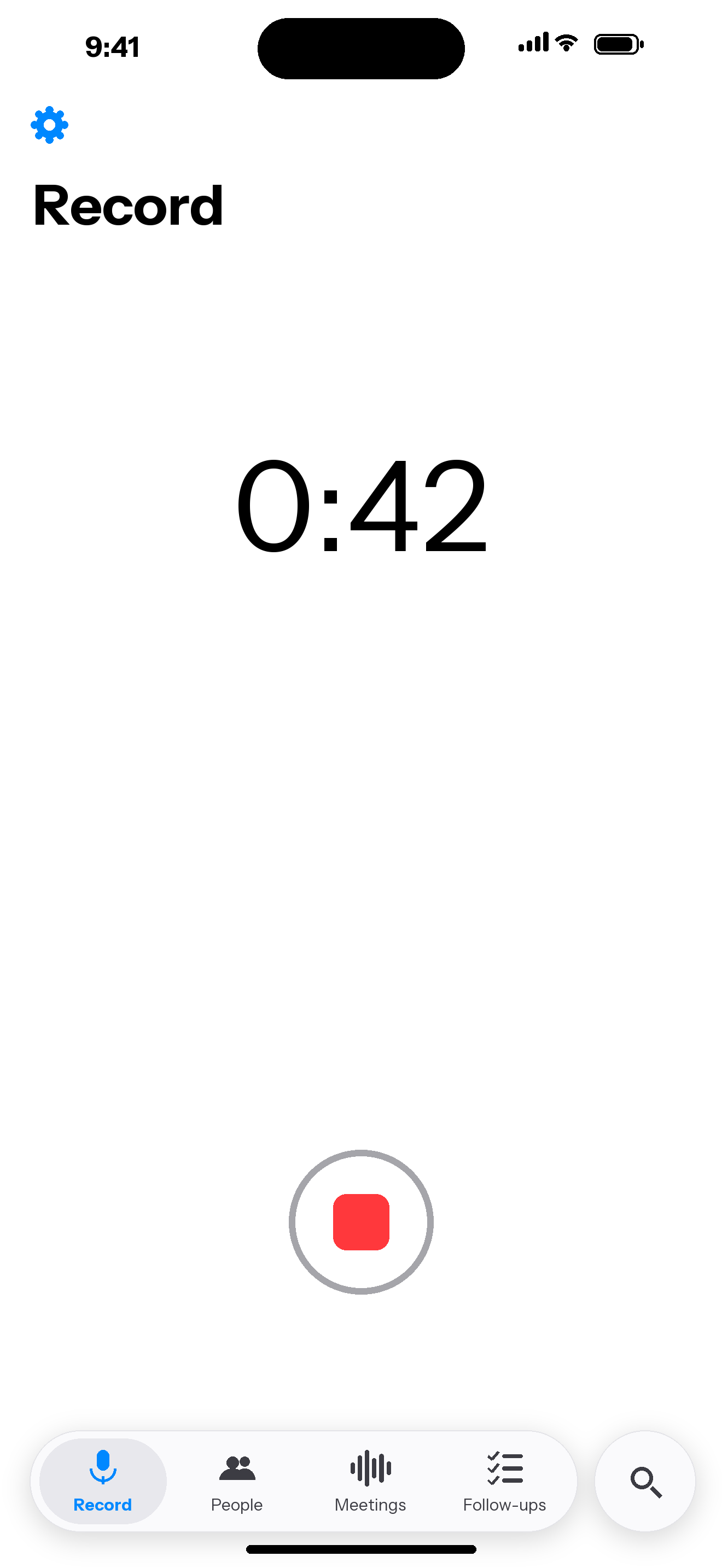
From a conversation to something useful.
Record a quick note
Capture the details while they’re fresh. Your voice note is transcribed on your iPhone.
Review the suggestions
On-device Apple Intelligence suggests people, facts, tags and follow-ups. You choose what gets saved.
Pick up where you left off
Find the person, revisit the conversation and keep your promises in sight before you meet again.
Keep the details that make a connection.
Remember the person
Keep meeting notes, companies, roles and useful facts together on each person’s page, with a history of earlier information.
Keep follow-ups in sight
Turn promises into follow-ups with suggested due dates. Review the dates, see overdue items and mark tasks done.
Find the detail you remember
Search names, companies, facts, meeting summaries and transcripts. Filter by tags and explore shared connections.
You have the final say
Check every suggestion before saving. Add details by hand when you prefer, and export saved records as JSON.
Your notes.
Your relationships.
Your data.
Rapport collects no data or telemetry. No Rapport account, ads, tracking or analytics.
Transcription and AI suggestions run on your iPhone. Saved records can sync through your own private iCloud account; audio stays on the iPhone that recorded it. Location and calendar access are optional.
Read the full privacy policyMade for iPhone. Requires iOS 27 or later. Voice notes are in English. AI suggestions require Apple Intelligence to be enabled on a supported iPhone with the on-device model available. You can enter details manually when AI is unavailable.
Need a hand? Contact Tom at Liddell Works.